WhatsApp templates
Create and review WhatsApp-approved templates for messages outside the 24-hour window.
A template is a message pre-approved by WhatsApp. It's the only way to start a conversation when the 24-hour window is closed.
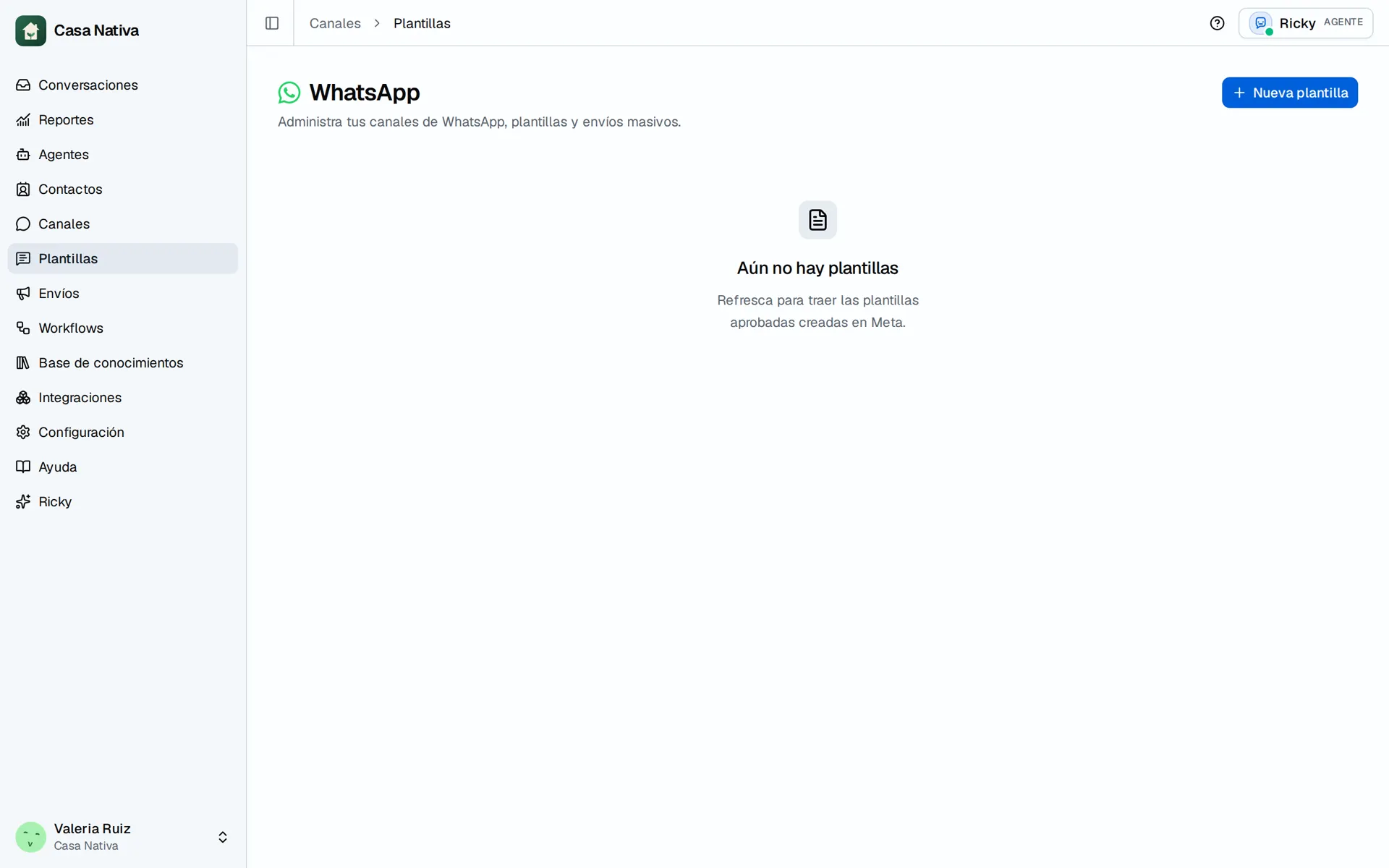
Demo organization: Casa Nativa. Interface shown in Spanish.
Video: select a fictional template and click Send template. This is a simulation; nothing is sent to Meta.
See your templates
Open Templates. The table shows each template with its language and its status in Meta.
Create a template
- In Templates, select New template.
- Fill in the name, the language and the message content.
- Select Create in Meta. Ricky sends the template for review.
Meta is the source of truth: the template goes through its review and the status is reflected in Ricky's table.
Variables
A variable is replaced with the contact's data when sending. When you use the template in a broadcast, you choose which CRM field fills each variable.
When they're used
- To start a conversation with a customer outside the 24-hour window.
- To send a broadcast to many contacts at once.
Inside the 24-hour window, the team and the agents reply with free-form messages.
Send a template to one contact
- Open a WhatsApp conversation under Conversations.
- If the message box is available, select Use template. Outside the service window, select Send a template.
- Under Send template, choose an approved template for that number.
- Fill any Header variables and Body variables the template requires; review the preview.
- Select Send template and check the message status in the conversation.
If the list is empty, check the number's WhatsApp account and whether Meta approved the template. A template from another number or of an unsupported type may show Not supported. Clicking send starts a request: check delivery or failure in the conversation before retrying.
The Casa Nativa video simulates the template and send response in the browser. The demo number has no Meta-approved template: the video teaches the UI steps and does not prove WhatsApp delivery.