Help center
Get started with Ricky and learn how to serve your customers on WhatsApp, Instagram and Messenger.
Ricky brings your customers' messages into a shared inbox where your team replies, with AI agents and automations when you need them.
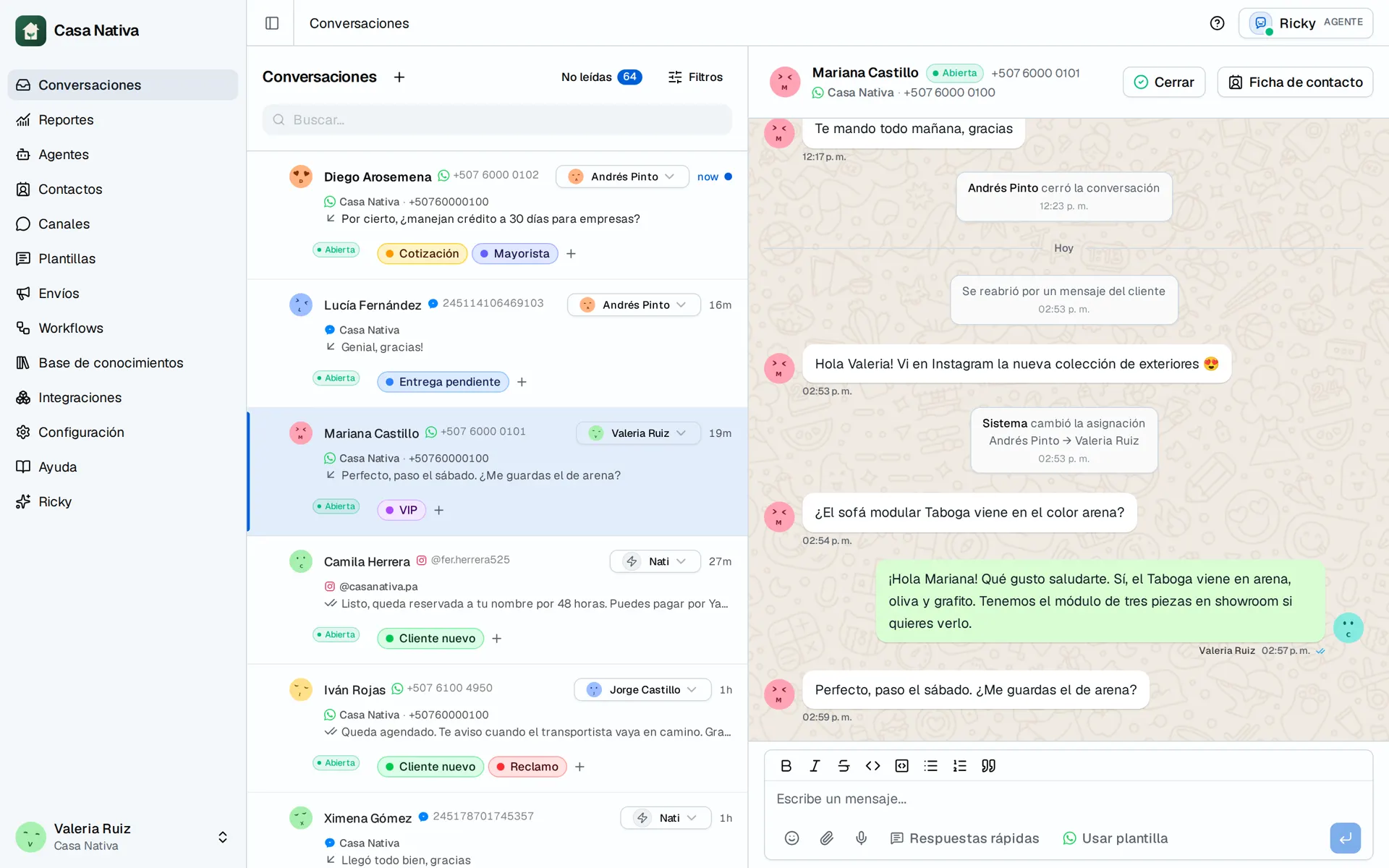
Demo organization: Casa Nativa. Interface shown in Spanish.
Get started with Ricky
Create your account, connect a channel, get your first message and invite your team.
Connect WhatsApp
Use your WhatsApp Business app or connect an API-only number.
Connect Instagram
Receive and reply to direct messages from Ricky.
Connect Messenger
Handle the messages sent to your Facebook Page.
Set up agents
Define instructions, model and allowed tools.
Handle conversations
Assign agents, pause the AI and reply manually.
Automate with workflows
Automatic messages and assignments when a conversation opens.
Broadcasts
Send a WhatsApp template to many contacts at once.
Contacts and CRM
Organize your customers with stages, tags and notes.
Read your reports
Volume, response times and message delivery.
Fix a problem
Check the most common causes before contacting support.
Settings
Profile, organization, team, and email reports.
Recommended path
- Get started with Ricky: account, channel, first message and team.
- Answer your conversations from the inbox and organize your contacts.
- When you want automatic replies, set up an agent.
- For notices and fixed assignments, automate with workflows.
Looking for pricing or sales information? Visit Pricing.