Channels
Connect Instagram
Connect an Instagram professional account to handle direct messages.
Connect the account
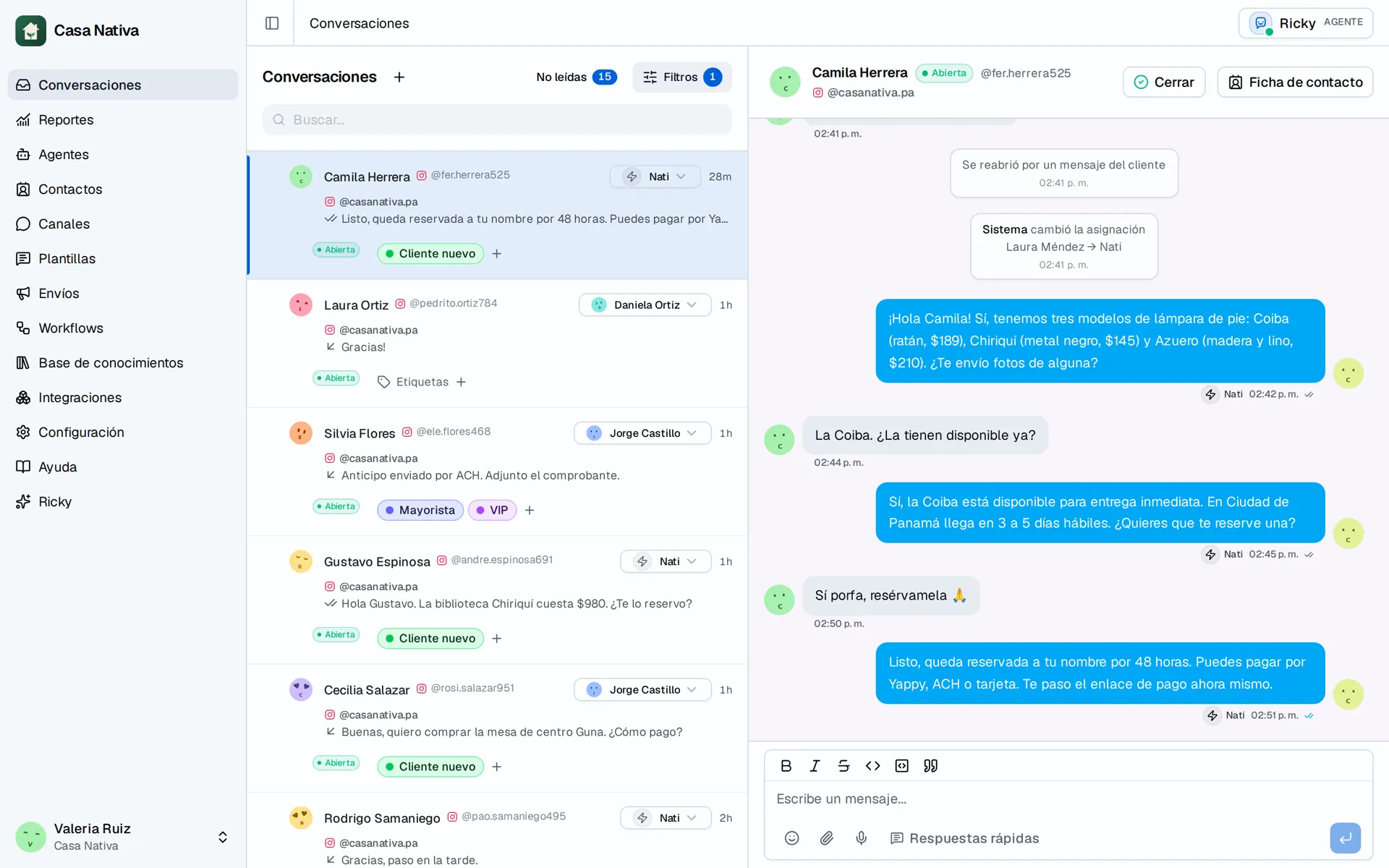
Demo organization: Casa Nativa. Interface shown in Spanish.
- Open Instagram.
- Select Connect Instagram.
- Sign in to Meta.
- Select the professional account you want to connect.
- Accept the requested permissions.
- Go back to Ricky and confirm that the account appears in the list.
Only workspace admins can connect or disconnect accounts.
Set up automatic handling
To have AI handle direct messages, add the channel and a Hand off to an AI agent step in a workflow.
Run a test
- Send a direct message from another Instagram account.
- Open Conversations.
- Confirm that the conversation shows the right Instagram account.
- Confirm that the AI is on.
Reconnect an account
If Ricky shows Needs reconnection, start the connection again from Instagram. This renews the access Ricky uses to receive and send messages.