Channels
Channels
Connect WhatsApp, Instagram, and Messenger to the shared inbox.
A channel receives the business's external messages and shows them in Conversations. Manage each connection under Channels, where you can check its status.
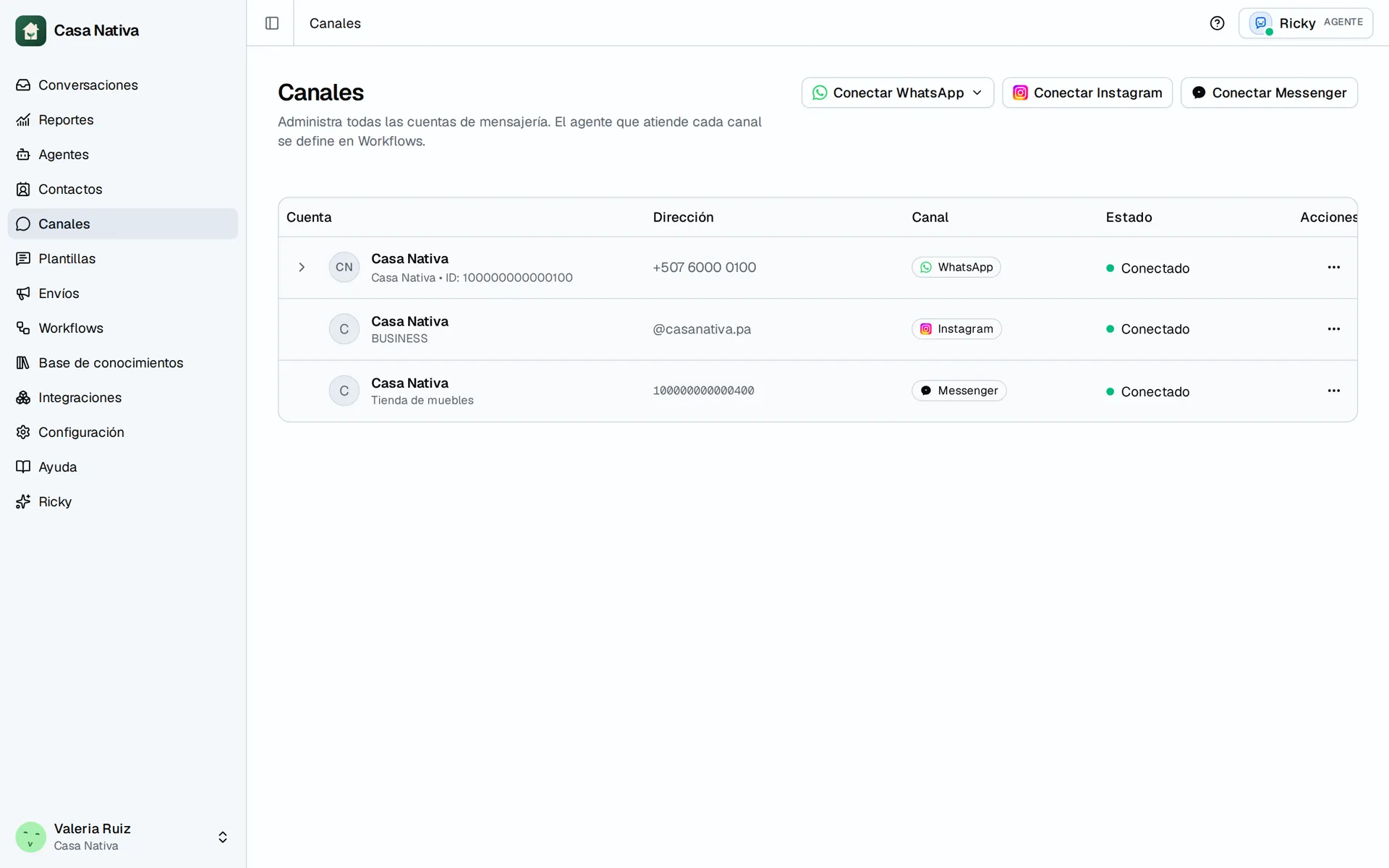
Demo organization: Casa Nativa. Interface shown in Spanish.
Connect the WhatsApp Business app or an API-only number.
Receive direct messages from a professional account.
Messenger
Handle messages from a Facebook Page.
Before handling messages
- Connect the channel under Channels and complete provider authorization.
- Check that its status is Connected.
- If you want automatic replies, add Hand off to an AI agent in a workflow for that channel.
- Send a message from an account you control and check it in Conversations.
The team can still reply manually when AI is paused. If messages do not arrive, check the channel connection and permissions before changing agent instructions. Messaging and calling features differ by provider.