Help
Troubleshooting
Check connections, assignments and statuses when Ricky doesn't receive or reply to messages.
The agent doesn't reply
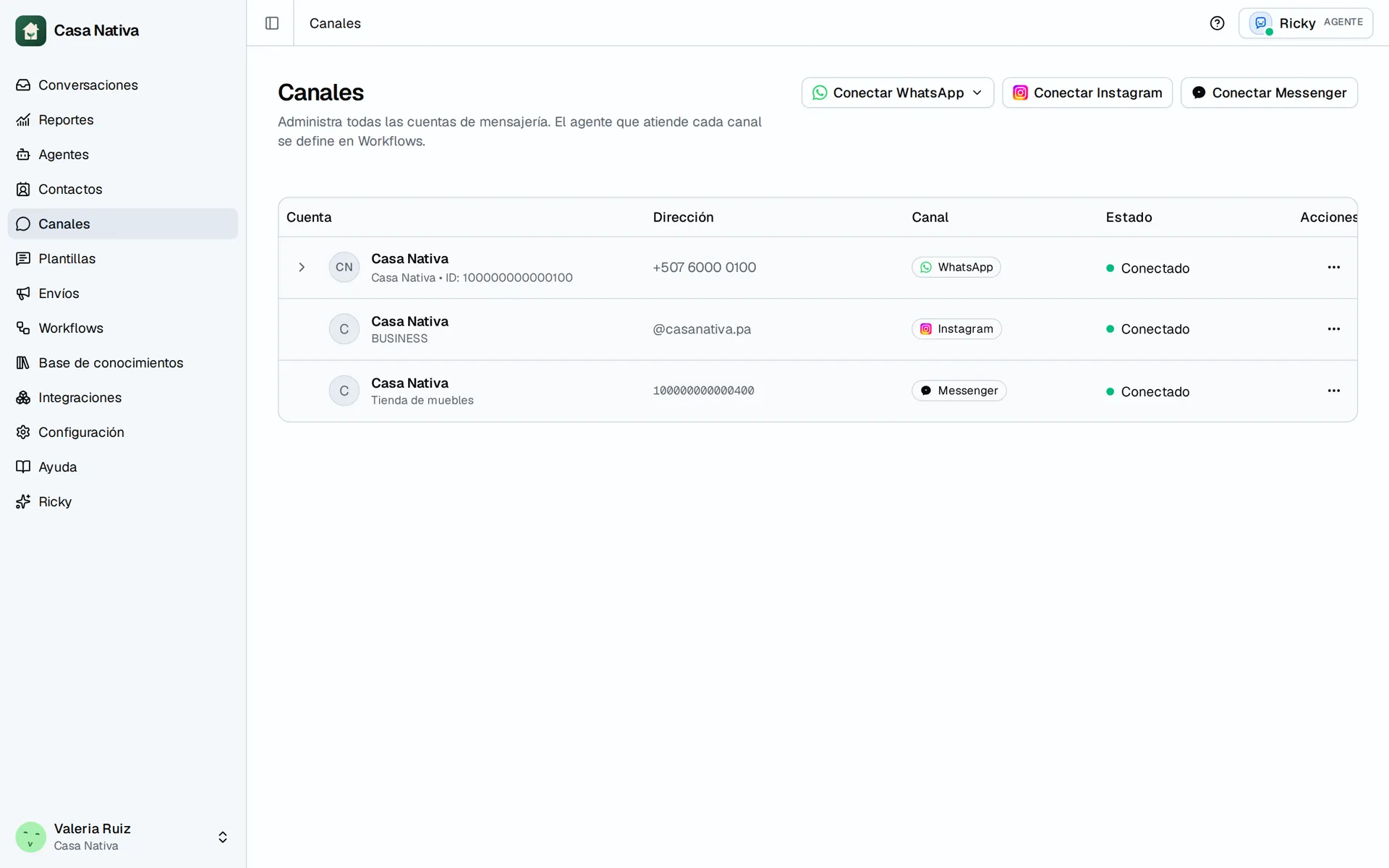
Demo organization: Casa Nativa. Interface shown in Spanish.
Check, in this order:
- The conversation has an assigned agent.
- The AI is on and not paused.
- The channel shows as connected.
- The agent's instructions are saved.
- The integration it needs shows as connected.
- The tool it needs is enabled in the agent.
WhatsApp won't connect
- Confirm that you're a workspace admin.
- Use an HTTPS connection. Meta doesn't allow starting this process from a plain HTTP connection.
- Confirm that you signed in with the right Meta account.
- Repeat the process and complete every authorization screen.
- Go back to WhatsApp and check the number's status.
Instagram doesn't receive messages
- Confirm that the account appears in Instagram.
- If it shows Needs reconnection, connect the account again.
- Confirm that it has an assigned agent.
- Send the test from another account.
Instagram won't let Ricky reply
If the message says Instagram doesn't allow Ricky to reply in that conversation, see how to check conversation control.
The integration doesn't appear in the agent
First connect the account in Integrations. Then open the agent again. Only tools from integrations available to the workspace are shown.
I can't send a WhatsApp message
If the 24-hour window is closed, WhatsApp requires an approved template. Open WhatsApp → Templates and select an available template.
Still need help
Email ricardo@getricky.ai and include:
- The affected channel.
- The business account or number.
- The approximate time of the problem.
- A screenshot of the status Ricky shows.