Instagram won't let Ricky reply
Check the default app and conversation control when Instagram blocks a reply from Ricky.
What the notice means
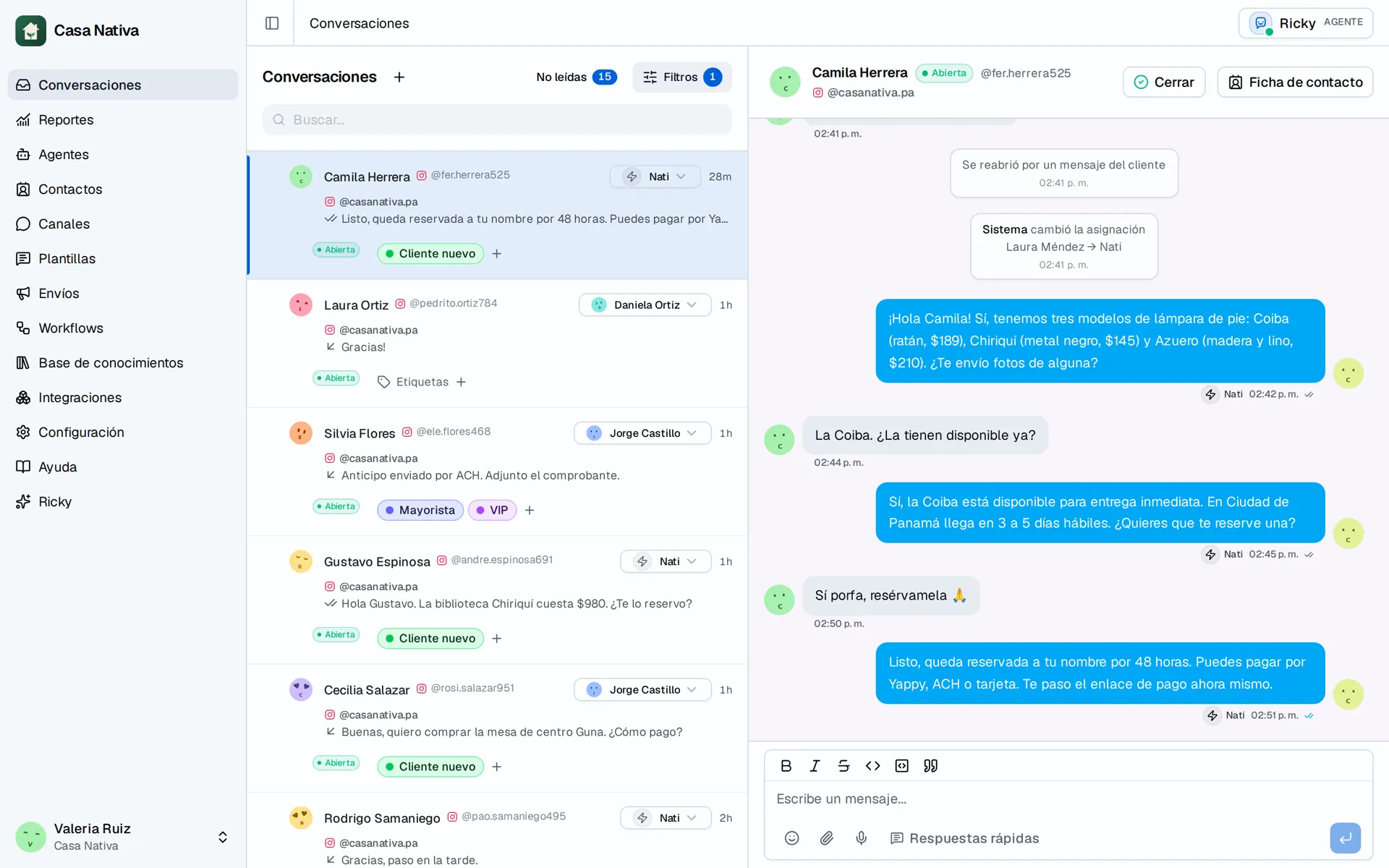
Demo organization: Casa Nativa. Interface shown in Spanish.
"Instagram doesn't allow Ricky to reply in this conversation" means Meta rejected the send because the app didn't have control of that conversation. You can receive messages in Ricky and still not have permission to reply in that thread.
This notice doesn't identify which app has control, nor does it prove that another tool took it away. It also doesn't mean Human Agent approval is missing: it can happen within the first 24 hours.
Check the default app
You need access to manage the Facebook Page linked to the affected Instagram account.
- On Facebook, switch to that Page's profile. Confirm you're checking the right account.
- Open Page settings.
- Go to Instagram conversation routing. You can also open the setting directly.
- Check Default routing app. If it shows Set up, no default app is configured.
- If you want Ricky to handle conversations by default, select Ricky AI, if it's available, and save the change. If you use other tools, first agree on which one should reply so you don't interrupt their work.
- Also check the link and campaign assignments, and whether another app has control of the affected conversation. The default selection alone doesn't show who controls each conversation.
The default app handles conversations when no other app is assigned. Changing it doesn't guarantee an immediate transfer of control of an existing conversation.
If Ricky AI doesn't appear or the error continues
Don't disconnect apps or change the sign-in method as a test. Contact support to review the account and the integration. Whether the controls are available can depend on the configuration; don't assume that a control API documented for Facebook Login is available with Instagram Login.
After reviewing the configuration, run a controlled test with your own account: send a message to the business account, reply from Ricky and check that the reply reaches Instagram. Check the status of earlier messages before resending them to avoid duplicates.
If it still fails, email ricardo@getricky.ai with:
- The affected Instagram account.
- The conversation and approximate time of the attempt, including your time zone.
- A screenshot of the notice and of Default routing app.
Don't send passwords or tokens. Support can match the attempt to Meta code 100 / 2534037 and its diagnostic identifier.
Human Agent and conversation control
Human Agent allows certain human follow-ups outside the standard window, when authorized. It doesn't remove conversation control restrictions or guarantee that an app can take control.
See Meta's documentation on Conversation Routing for more information.