Settings
Use Ricky from Claude or ChatGPT
Connect an external assistant with your account permissions.
Under Settings → My account, Claude and ChatGPT shows Ricky's Connector URL. It lets an assistant consult or act on conversations, contacts, broadcasts, and reports with your current permissions.
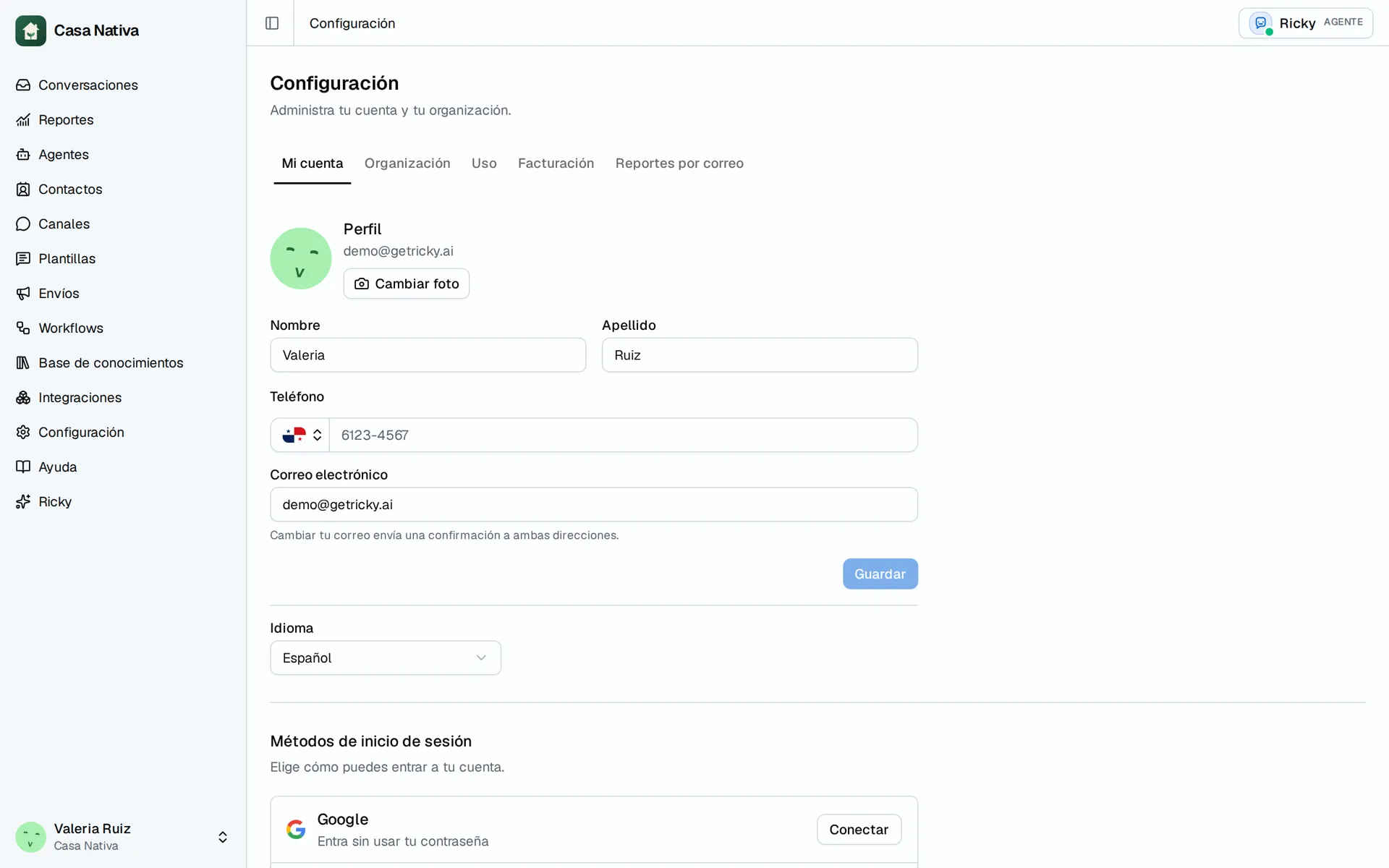
Demo organization: Casa Nativa. Interface shown in Spanish.
Connect your assistant
- Under Claude and ChatGPT, use Open in your assistant or Copy connector URL.
- In Claude, add a custom connector. In ChatGPT, follow the Developer mode and Plugins instructions shown on screen.
- Paste the URL, choose OAuth, and sign in to Ricky when the authorization opens.
- Select the organization it may access.
- Check Active connections and try a simple read request.
The assistant should ask for confirmation before each action that changes data. Revoke removes that connection's access. If the organization is missing, check that your account belongs to it. Do not treat the connector URL as a password or authorize a different organization from the one you intend to use.