Settings
Manage the team
Invite members, change roles, and remove access.
Team is under Settings → Organization. Admins can manage members and invitations; members without that permission see only the options available to them.
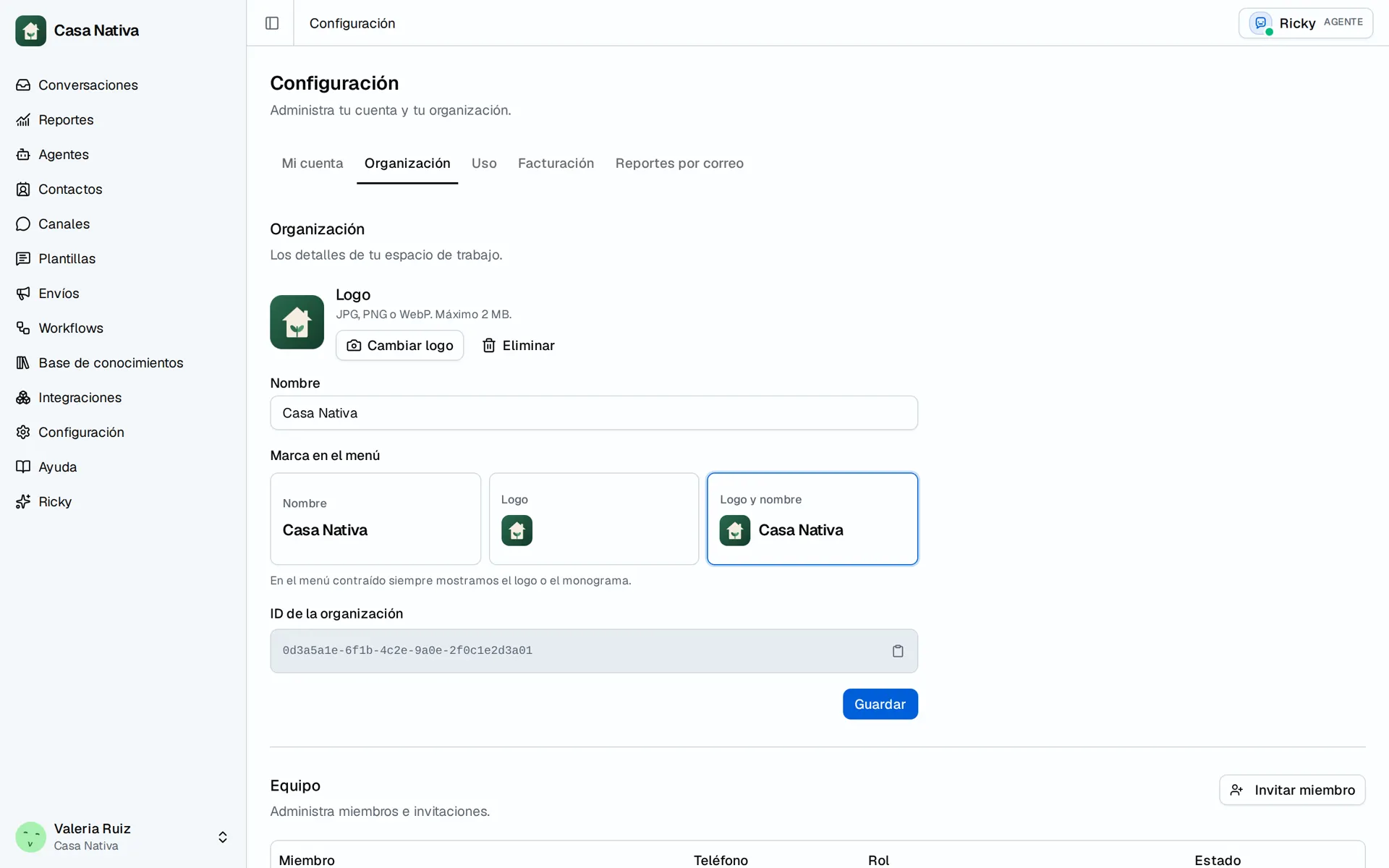
Demo organization: Casa Nativa. Interface shown in Spanish.
Invite someone
- Select Invite member.
- Enter the email and choose Member or Admin.
- Select Send invitation.
- Check whether the person appears as Active or Pending.
An existing user may be added directly; a pending invitation is not active access yet. To change a role, use Role of that person. Under Actions for that person, use Edit for their details or Remove from team. For a pending invitation, use Cancel invitation.
Before removing someone, review the conversations they handle. If you cannot invite or change a role, check the selected organization and your admin permission. Ricky roles do not grant permissions in Meta or external systems.