Integrations
Connect Odoo
Manage the private connection to your business's Odoo appointment system.
Odoo is a private integration for organizations whose appointment adapter Ricky has provisioned. If it is absent from Integrations, it is not enabled for your organization. Connecting does not give generic access to every Odoo model.
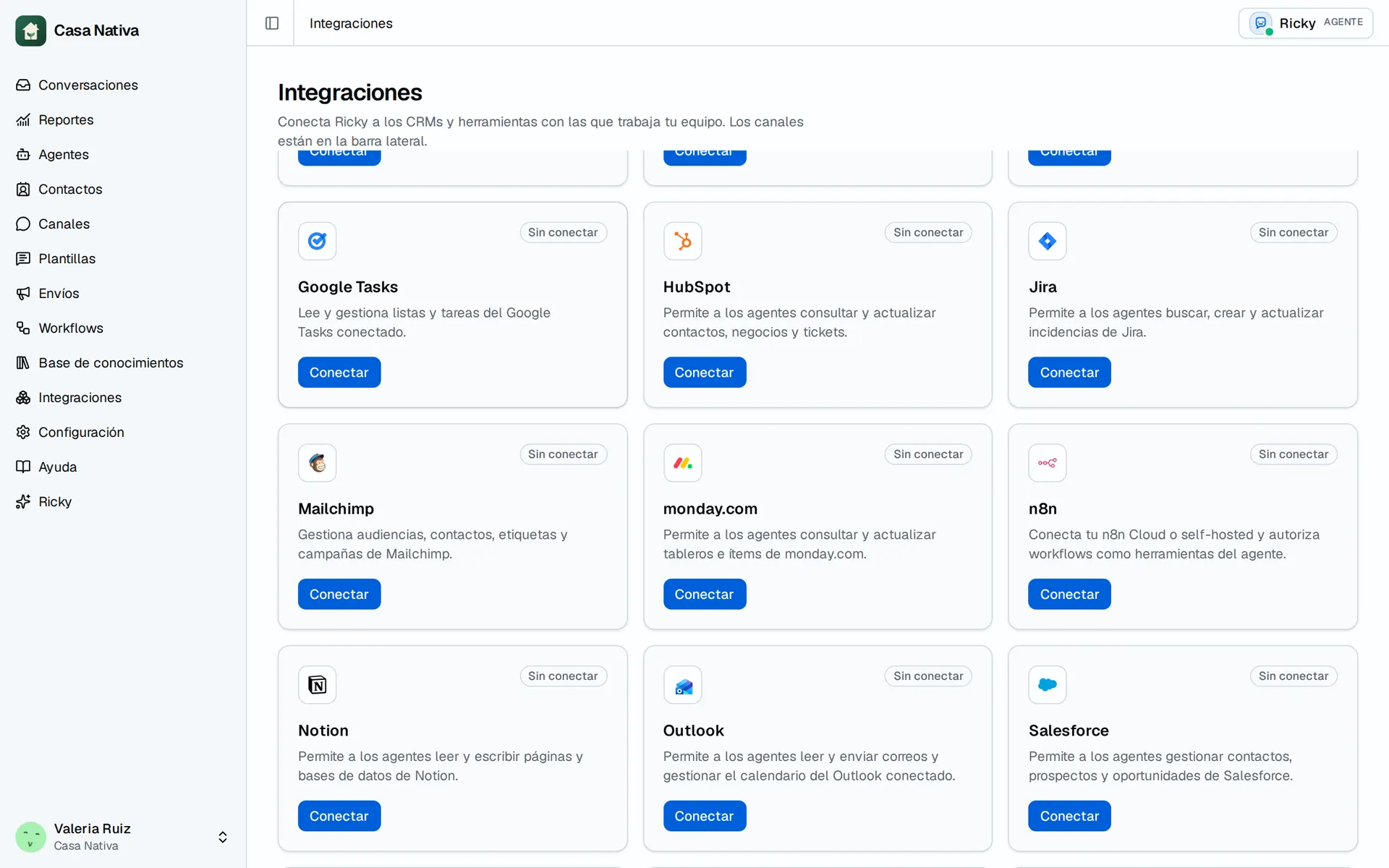
Demo organization: Casa Nativa. Interface shown in Spanish.
Set up the connection
- Open Integrations and, if Odoo appears, select Connect.
- Under Odoo connection, enter Instance URL, Database, and API user.
- Create a key in Odoo under Preferences → Account Security → API Keys and enter it under API key.
- Select Connect and verify.
- Use Refresh information to check the company, user, time zone, and models this connection can see.
- Open Agents and enable only the Odoo tools available to your organization.
If you see Needs action, check the details and use Complete and verify or Update and verify. Partial information means the connection works but the API user could not query everything. If an appointment action fails, check the API user's permissions and verification result; do not assume every Odoo module is included.