Integrations
Connect Zoho CRM and Zoho Inventory
Authorize each Zoho product separately and choose the agent's tools.
Integrations lists Zoho CRM and Zoho Inventory as independent connections. CRM handles customer and deal data; Inventory can look up products, stock, and prices according to available tools.
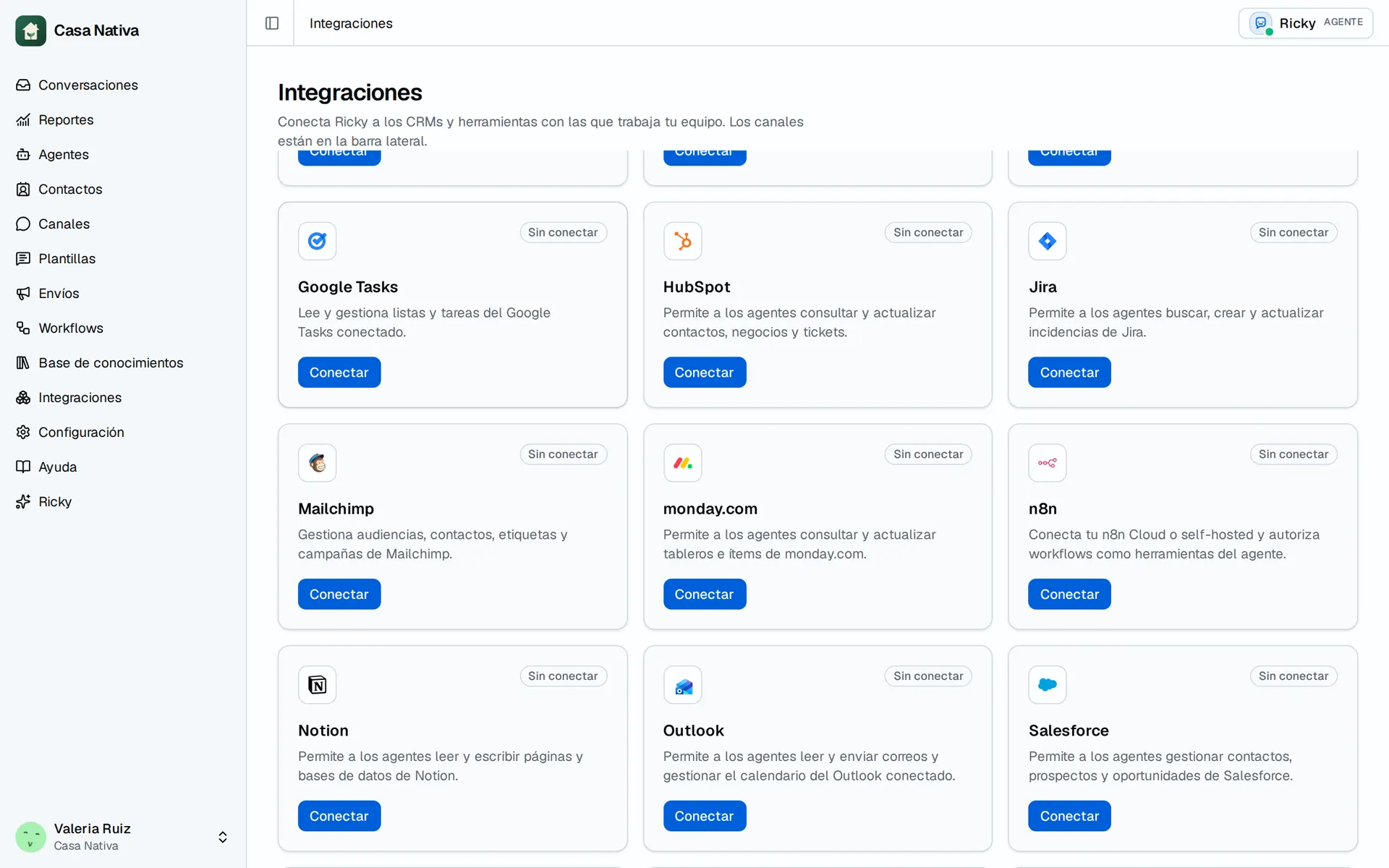
Demo organization: Casa Nativa. Interface shown in Spanish.
Connect each product
- Open Integrations.
- On Zoho CRM or Zoho Inventory, select Connect.
- Complete Zoho authorization and return to Ricky.
- Check that the card says Connected. If you use both products, repeat on the other card.
- Open Agents, find Zoho CRM or Zoho Inventory, enable the tools you need, and select Save changes.
- Make a test lookup before allowing a data-changing action.
Connecting CRM does not connect Inventory. If the card says Needs action, use Reconnect and review the permissions approved in Zoho. If the agent cannot see a tool, check the correct product connection and that agent's selection. A connected account alone does not guarantee a specific Zoho operation; check the actual tool.