Integrations
Connect the systems an agent can look up or update.
Integrations give controlled access to the business's work tools.
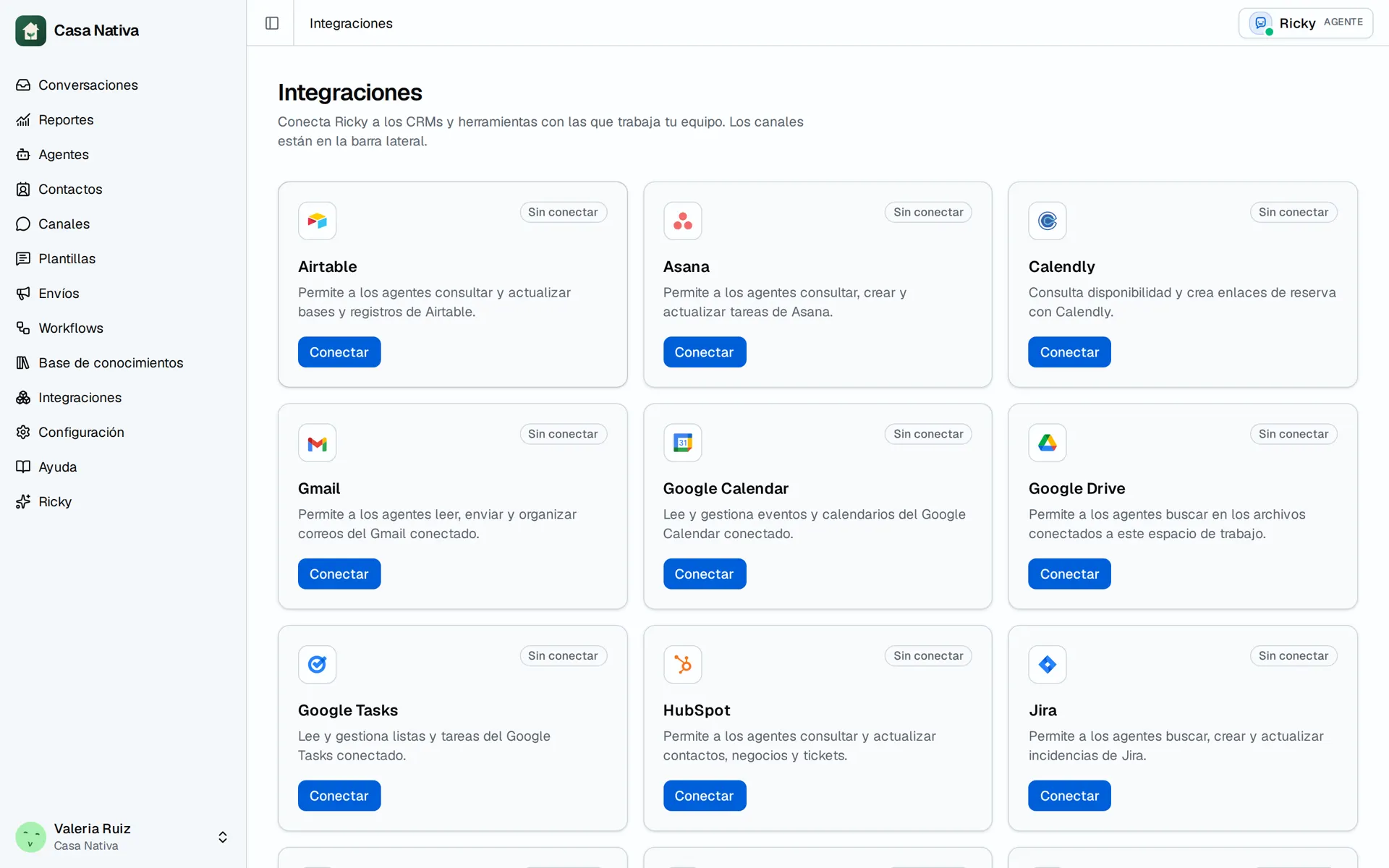
Demo organization: Casa Nativa. Interface shown in Spanish.
Available integrations
Ricky can connect with:
- Airtable
- Asana
- Calendly
- Google Drive
- Google Calendar
- Google Tasks
- Gmail
- HubSpot
- Jira
- Mailchimp
- monday.com
- Outlook
- Notion
- n8n
- Odoo (only for provisioned organizations)
- Salesforce
- Slack
- Zendesk
- Zoho CRM
- Zoho Inventory
The available actions depend on the connected integration and on the tools enabled in each agent.
Connect an integration
- Open Integrations.
- Find the system.
- Select Connect.
- Authorize the account or fill in the requested details.
- Open the agent that will use the integration.
- Enable only the tools it needs.
- Save the changes.
Check the access
Send a test request that requires reading information. Then try a low-risk write action if the tool is enabled.
Connecting an account doesn't enable all of its actions. Each agent keeps its own selection of tools.
Disconnect an integration
When you disconnect an integration, its tools are no longer available to the workspace's agents.
Connection guides
- n8n: authorize specific workflows as tools.
- Odoo: private appointment connection, visible only when provisioned.
- Zoho CRM and Zoho Inventory: two independent connections.
- Google Drive: files accessible to the connected account.
Under Integrations, cards are grouped into In use and Available. Needs action means you must reconnect or repair the connection. Connected does not mean every tool is already enabled for an agent.