Integrations
Connect n8n
Authorize n8n workflows for an agent to run.
The n8n connection lets an agent run only the workflows you authorize. It is separate from Ricky workflows, which are configured in Ricky.
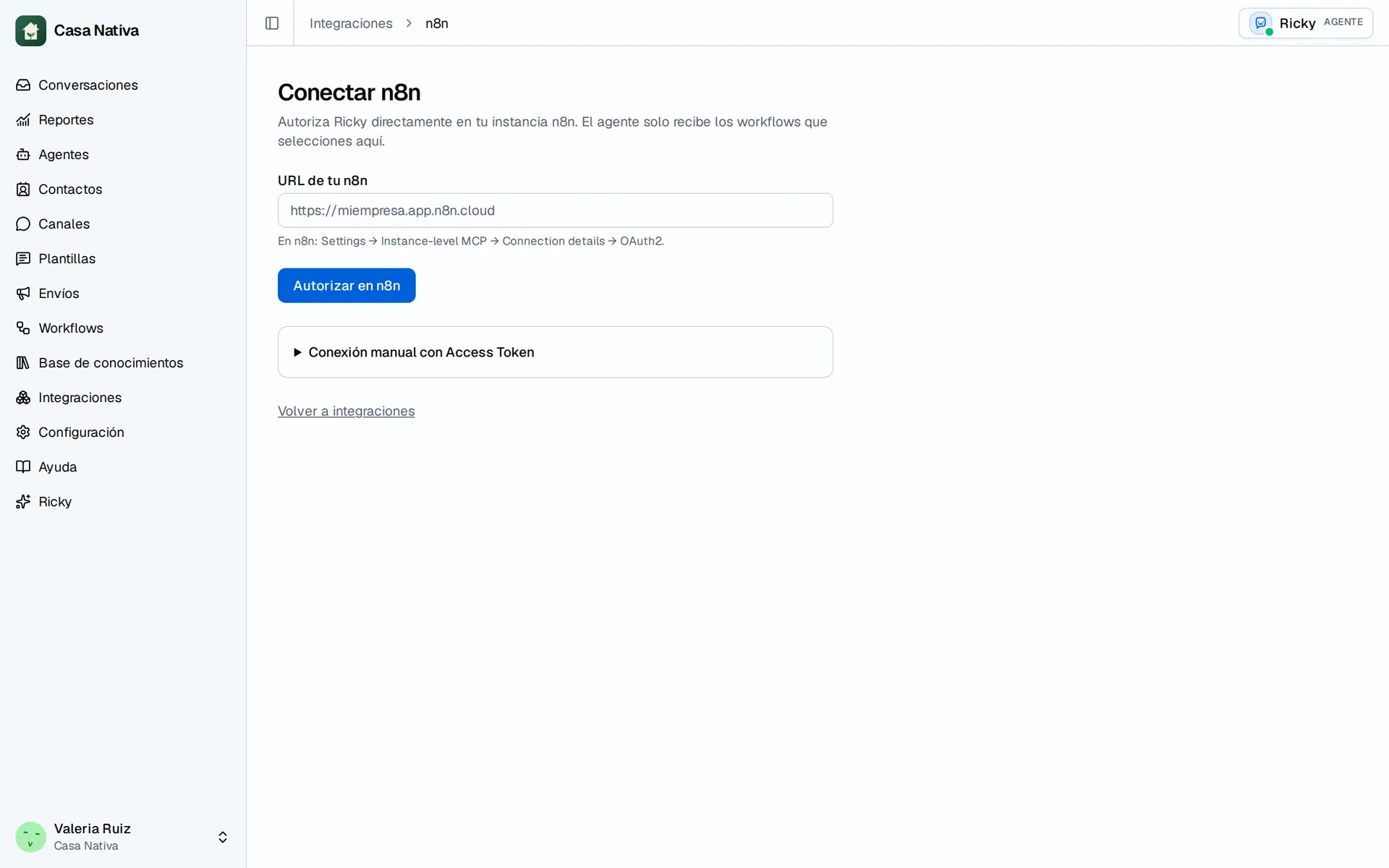
Demo organization: Casa Nativa. Interface shown in Spanish.
Connect and authorize
- In n8n, open Settings → Instance-level MCP → Connection details → OAuth2 and enable access.
- In Ricky, open Integrations and select Connect on n8n.
- Enter Your n8n URL and select Authorize in n8n.
- Complete authorization in n8n and return to Manage n8n.
- In n8n, mark each workflow you want to offer as Available in MCP and publish it.
- In Ricky, select the allowed workflows and choose Save authorized workflows.
- Open Agents, enable the agent's n8n tool, and save.
Manual connection with Access Token is also available if your instance uses an MCP server URL and token. Do not put the token in agent instructions.
If the list is empty, check Available in MCP. If a workflow is not published, publish it before using it in production. If Ricky Couldn't query the n8n MCP, check the connection and authorize again. Test a low-risk workflow in a controlled conversation.