Quick replies
Save text your team reuses when replying and fill it in without typing it again.
A quick reply is saved text the team inserts into a conversation's composer. It's useful for answers that come up again and again, such as hours, addresses or payment methods.
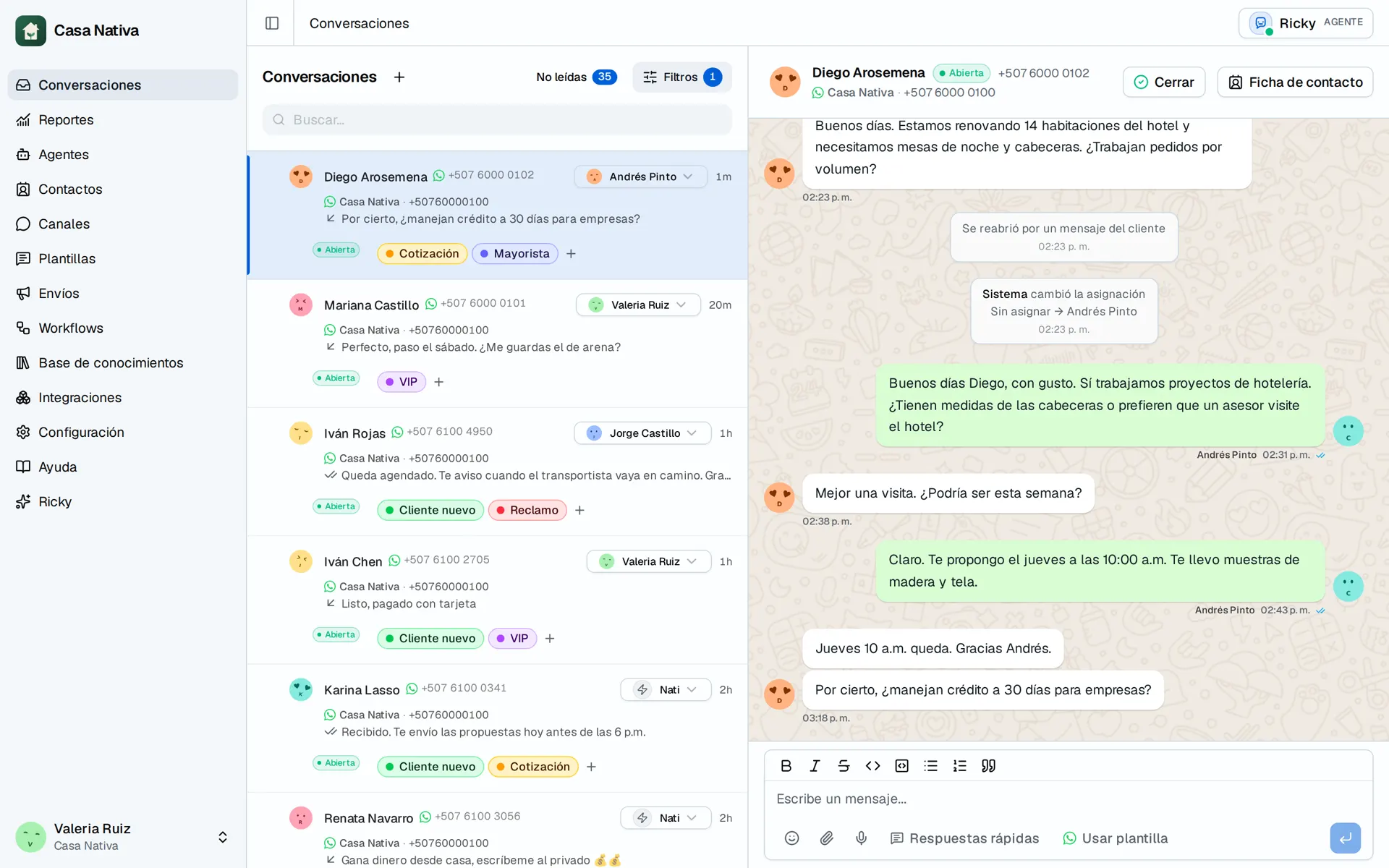
Demo organization: Casa Nativa. Interface shown in Spanish.
Use a quick reply
- Open a conversation in Conversations.
- In the reply field, open Quick replies.
- Search by title or by content.
- Select one to insert it into the message.
The text is inserted into the composer and you can edit it before sending. The quick reply is never sent on its own.
Create or edit one
From the same dialog you can open a new reply or edit an existing one. Each reply has a Title to find it and a Reply with the text.
Use short, clear titles, such as Hours, Address or Payment methods. If two titles are the same, Ricky warns you so there are no duplicates.
Delete one
Deleting a quick reply removes it for every operator. It isn't a local change. Make sure no one is using it as base text before deleting it.
Also with the assistant
The Ricky assistant can create, edit and delete quick replies. Ask with the exact title and text, and review the proposal before approving it.