Agent tools
Choose what an agent can read and what actions it can perform.
Tools are specific agent permissions. Instructions explain when to use them but do not grant access on their own.
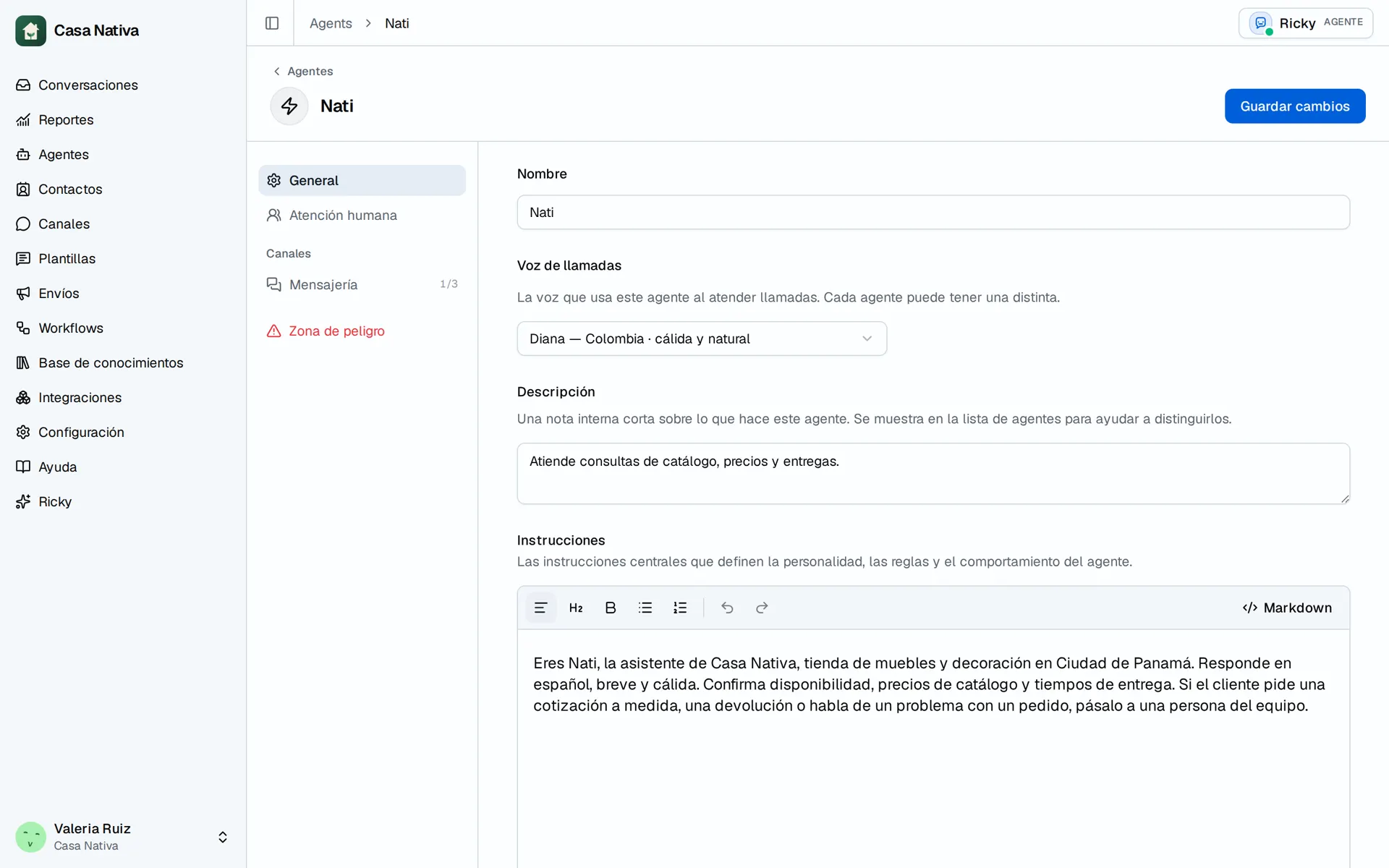
Demo organization: Casa Nativa. Interface shown in Spanish.
Set them up
- Open Agents and select the agent.
- In the editor, open a tool category such as Knowledge, Channels, or Team operations.
- Enable only the tools the agent needs.
- Select Save changes and test a read request and an action in a test conversation.
Integration tools appear when the integration is connected to the organization. Connecting it in Integrations does not enable its tools for every agent. Each agent has its own selection.
Check access
A read tool can look up information; a write tool can send or change data. Review delete and archive actions carefully. If a tool is missing, check the organization, connection, and availability of that feature. If the agent does not use it, check that it is enabled and that its instructions say when to use it.
Human handoff and interactive messages have their own settings. For files, contacts, and locations, see Knowledge.