Buttons and interactive messages
Let the agent offer tappable choices on WhatsApp and Instagram.
Interactive messages help customers choose without typing a free-form answer. WhatsApp supports reply buttons and lists; Instagram supports quick replies.
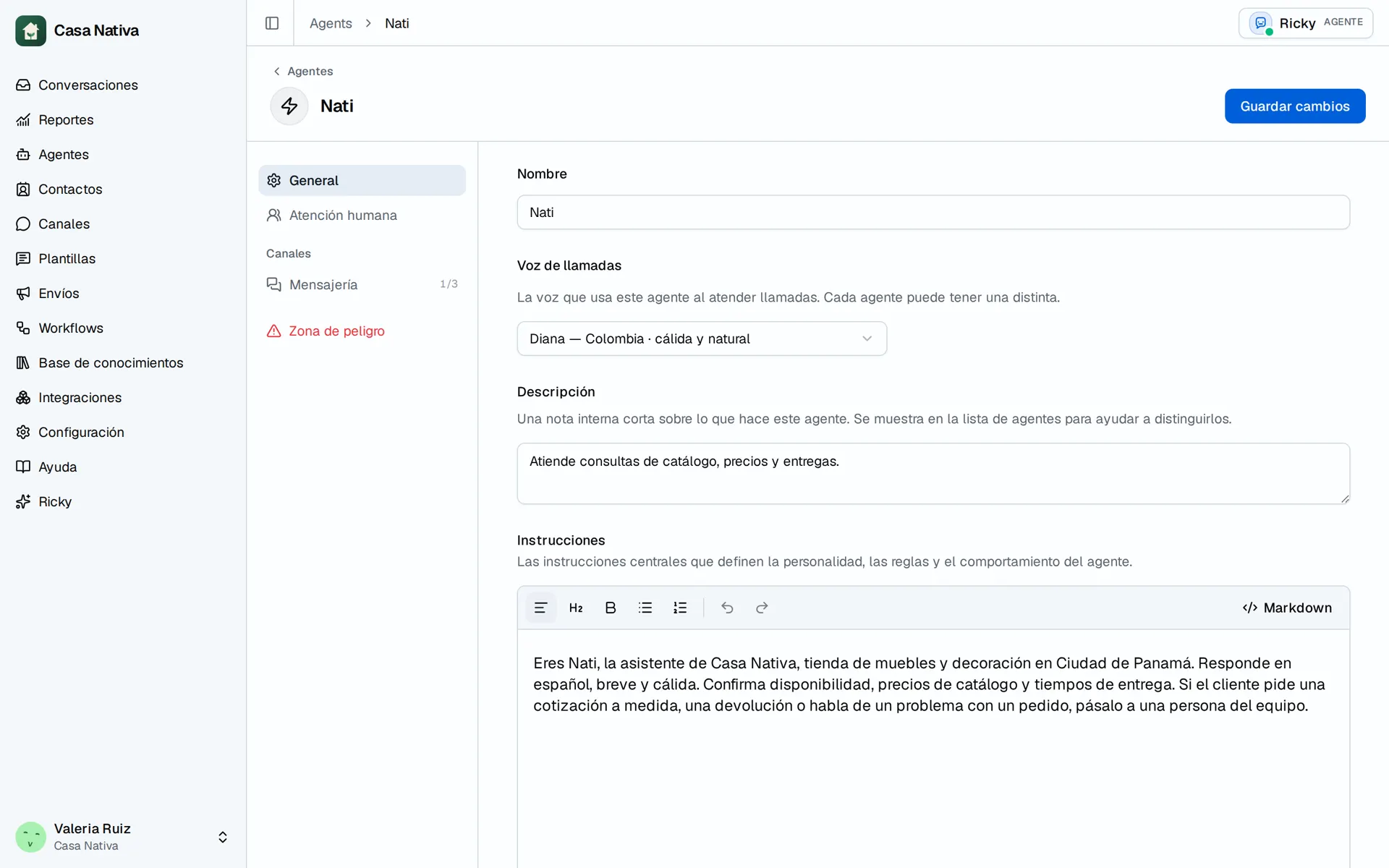
Demo organization: Casa Nativa. Interface shown in Spanish.
Enable them
- Open Agents and select the agent.
- Under Channels, open Messaging.
- Enable the button, list, or quick reply tools separately as needed.
- In Instructions, explain when to offer options and what to do with each answer.
- Select Save changes and test from the relevant channel.
Available options depend on the channel. A WhatsApp list will not necessarily appear the same way on Instagram.
WhatsApp limits
Ricky checks a maximum of 3 reply buttons or 10 list rows. A button title can have up to 20 characters; a row title, 24; its description, 72. The body can have up to 1024 characters and the footer, 60. If the agent exceeds a limit, the tool returns an error so it can shorten the text. A free-form message outside the 24-hour window requires an approved template.