Voice notes
Receive customer audio and send recordings from a conversation.
Ricky shows audio messages in Conversations. An agent can transcribe incoming audio to understand the request. If transcription fails, it should ask the customer to repeat or type the message rather than guessing its contents.
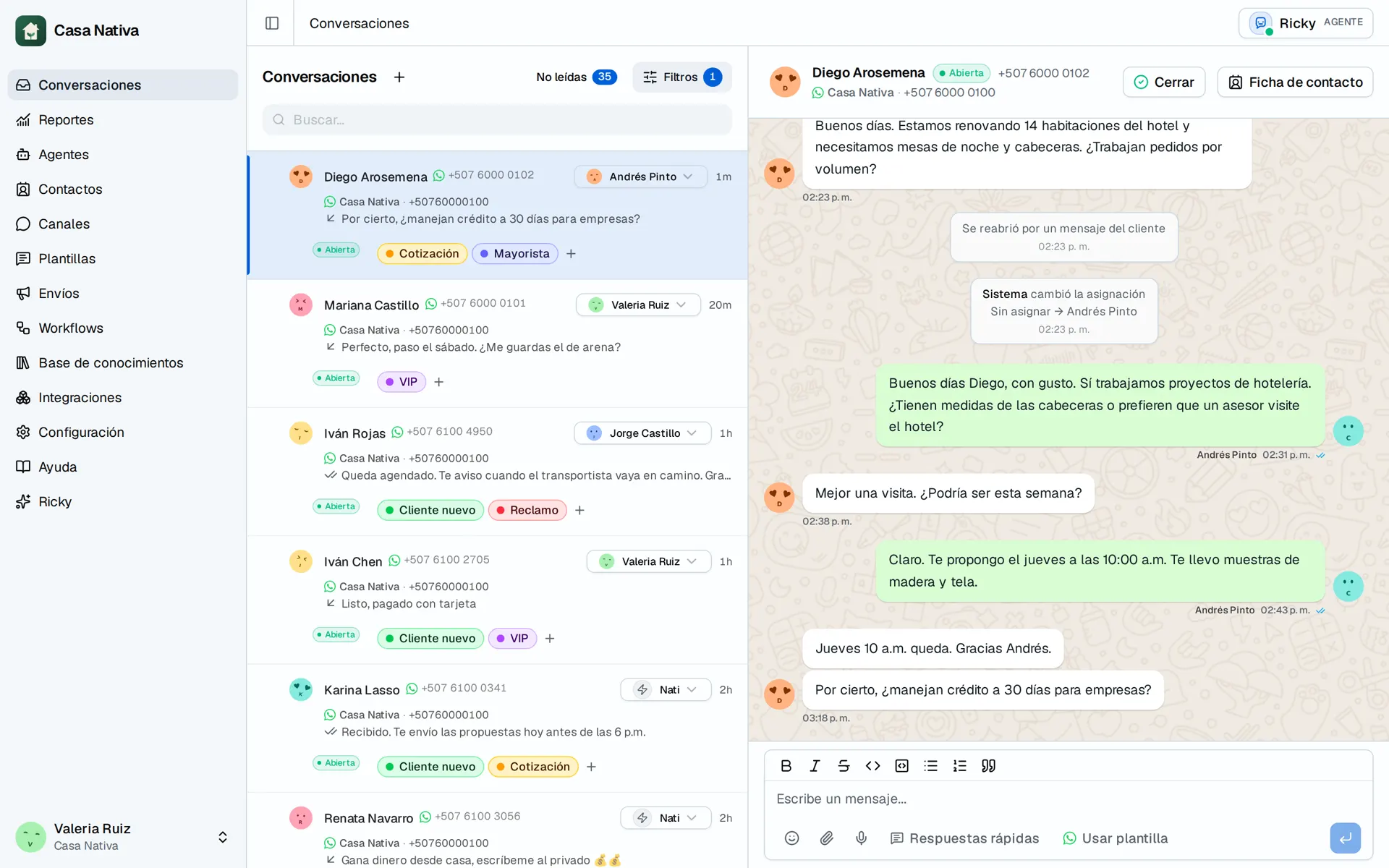
Demo organization: Casa Nativa. Interface shown in Spanish.
Record a reply
- Open the conversation.
- Use the recording control next to the message box.
- Allow microphone access in your browser.
- Review the recording and send it.
You can also attach a supported audio file from the composer. If the control is missing, check the channel and browser microphone permission.
Agent-sent audio
In Agents, WhatsApp tools can include sending audio. Enable the audio tool and describe in the instructions when to use an available file. This tool sends audio; it does not automatically turn every text answer into speech. Test with a contact you control and check the message in the conversation.